


Import
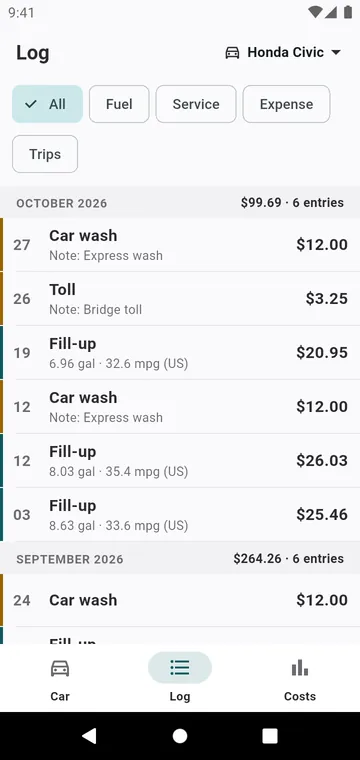
From the ⋮ menu of the Car screen, Import a CSV (Fuelio, Drivvo, Simply Auto, spreadsheet) brings in fill-ups, services and expenses. You say the units of the file; lines already in the log are skipped, so importing twice does no harm. See Switch from Fuelio or Drivvo.
Export and backup
Export CSV in Costs writes a spreadsheet, or a file in Fuelio's or Drivvo's own layout. In Settings, My data: Back up my log writes the whole log to one file, and Restore an automatic backup brings back one of the weekly backups the app keeps on the phone.